What is Smart DNS
Smart DNS technology optimizes how certain online content is routed, helping provide smoother streaming and faster load times across various devices. Because it doesn’t use encryption, Smart DNS delivers high performance and low latency, making it ideal for users who want a fast and seamless viewing experience.
Smart DNS is included at no extra cost in all of our service plans, including our Datacenter VPN and Free VPN tiers. Pairing Smart DNS with our high-speed servers ensures reliable performance for HD and 4K streaming, gaming, and everyday browsing.
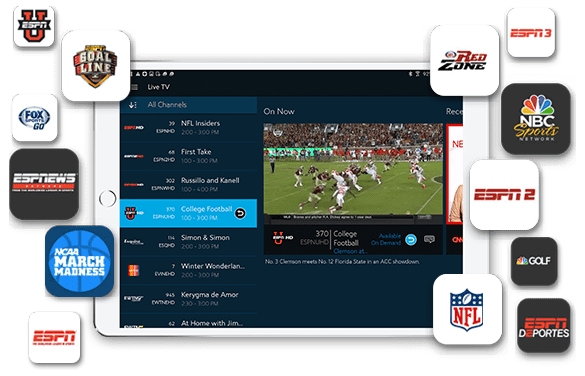
You can view a list of all supported channels from our sister site https://www.dnsflex.com/
Follow these simple steps to enable Smart DNS for free in the StarVPN App.
Step 1 – Download the StarVPN App
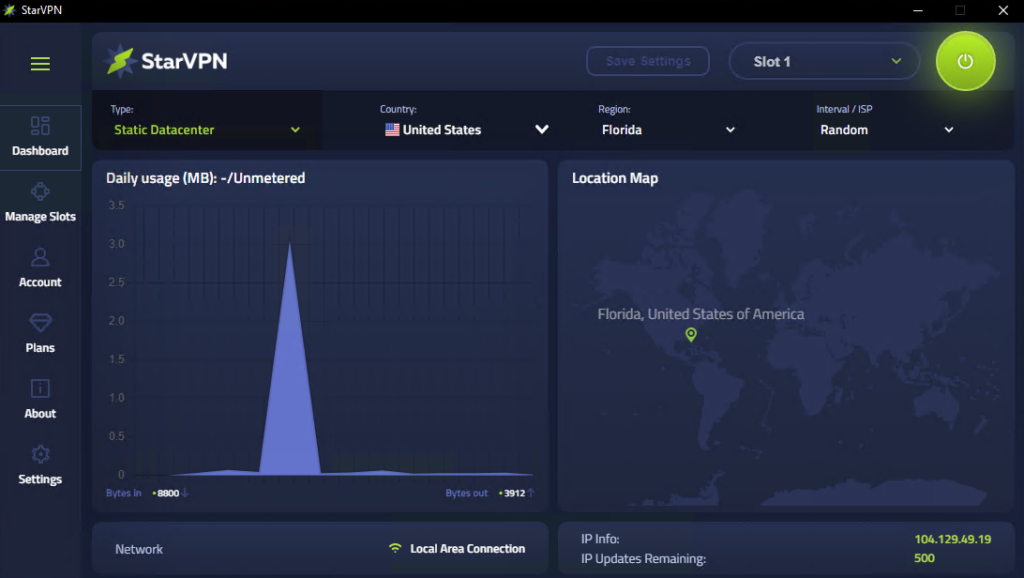
If you are a paying subscriber then please visit our homepage to download a copy of the StarVPN app here. If you would like to use StarVPN for free and take advantage of free Smart DNS – head on over and download our Free VPN app here.
Step 2 – Sign into the StarVPN App
Once you have downloaded and installed the App, sign in with your username and password (paid users). If you downloaded our Free VPN app, no sign in is required. You can start using the Free Smart DNS feature immediately!
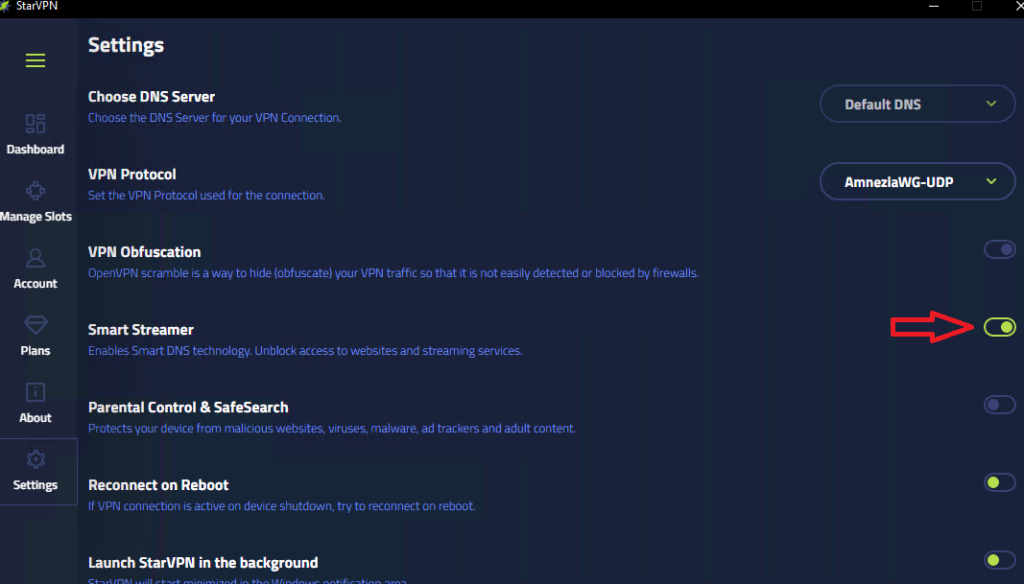
Step 3 – Enable Smart DNS (Smart Streamer)
- Click on the Settings menu and enable Smart Streamer in the settings options
Step 4 – Connect to VPN
That’s it .. you’re done! You can start streaming over 100 of your favorite apps from anywhere around the world.